Music & audio visualizer for your cover art
Add a song and your cover art, then pick a style: a spectrum ring around the cover, a music-player card, classic bars, a turning record and more. Every one moves with the music, ready for a release, a radio edit or YouTube.Pick a style. Every one moves with the music.


Audio visualizer styles, one song
Most used first. Each card is a few seconds of a real download, the same song in every style.
How it works
How to make an audio visualizer
Three steps. No motion design, no template to tweak frame by frame.
tiktok.com/@nova.music/video/7412089Say It Like You Mean It
112 BPM · Chorus at 0:42 · 3:18
Lyrics found
Say it one more time
Step 01
Add your song
Paste a TikTok or MP3 link, or upload a song. MV Maker finds the beats and the loud parts the audio visualizer moves to.
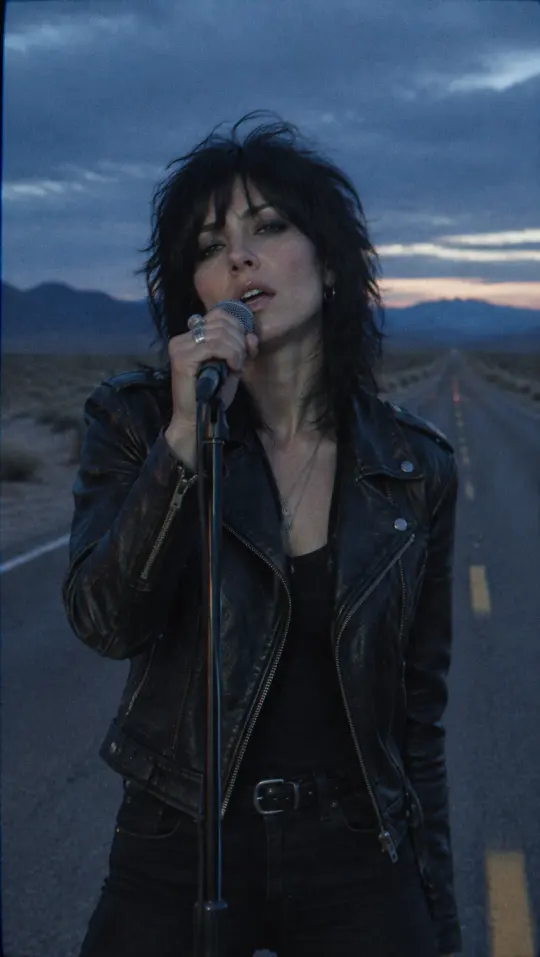
cover-art.jpg
Cover art
Step 02
Pick a style, add the cover
Choose a style and upload your cover art or any picture: it becomes the centre, the card or the record label. Turn the lyrics on if you want them over it.
Step 03
Preview and post
Watch it through with a watermark before you pay, then download the MP4 or post it straight to TikTok, YouTube, Instagram, Facebook or X.
Why MV Maker
A music visualizer that reacts to every beat
The audio visualizer is made from the music itself, not a loop pasted over your track: it jumps on the kick, swells in the chorus and rests in the quiet parts.
Moves with the song, part by part
Every style reads the frequencies of your song frame by frame: the bass kicks the cover, the highs light the outer bars, a quiet part nearly stops.
The styles people use most
A spectrum ring like the big music channels, a music-player card, classic and retro bars, waves, a turning record, a starfield and more, most used first. Switch any time; the preview is what you download.
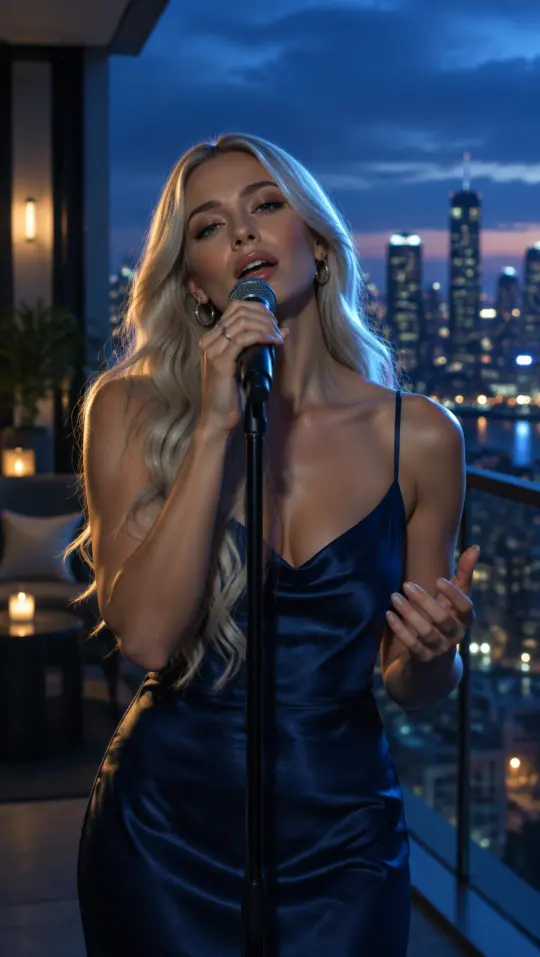


For releases, radio edits and uploads
Put a new single on YouTube, share a radio edit or post a teaser. Wide, vertical and square, all from one project.

Nothing stops me now
Lyrics on top, if you like
Turn the lyrics on and they are timed to the vocal word by word, in the caption style you pick.
More ways to make one
Other ways to make a music video



Watch your visualizer in full, with a watermark, before you pay. The make button shows the exact credits for your song.
See pricingQuestions
Audio visualizer FAQ
A video where shapes move with the sound, like bars that rise and fall with the track. Musicians use one to put a song on YouTube or social media without a full music video.
Yes. Both names mean a video that moves with the music. MV Maker makes one from your song and your cover art.
A song and a picture, usually your cover art. Paste a TikTok or MP3 link or upload the song, then upload the image.
You pick a style: a spectrum ring around your round cover, layered rings of colour, a music-player card with the title and a moving progress bar, classic bars under a cover card, retro LED blocks, a turning vinyl record, waves, a starfield and more. All of them sit over a soft blurred copy of the cover or your own photos.
Yes. Switch styles in the studio at any time and the preview changes at once. The download matches the preview.
Yes. The movement is worked out from your song, so it jumps on the kick, swells in the chorus and stays calm in the quiet parts. It is not a loop.
Yes. Turn the lyrics on and they are timed to the vocal word by word, in any caption style.
Wide 16:9 for YouTube, vertical 9:16 for TikTok, Reels and Shorts, and square 1:1 for the feed.
Yes. A visualizer video plays in full, with a watermark, before you pay. You pay when you download it without the watermark.
A song and your cover art are all it takes: pick a style and it moves with every beat.