Spotify Canvas maker for 8-second loops
Paste a TikTok or MP3 link, or upload a song. MV Maker finds your chorus and turns it into an 8-second vertical loop, drawn by AI or made from your own photos and clips, ready for Spotify for Artists.We find your chorus and cut the loop on the beat.
9:16 · 1080 × 1920 · 8-second loop · MP4
Spotify Canvas loops for every genre
Eight seconds of the chorus, cut on the beat and looping without a jump. No words and no sound, just the picture behind your song.
How it works
How to make a Spotify Canvas
Three steps in the Spotify Canvas maker. No editing app and no trimming the loop by hand.
 tiktok.com/@nova.music/video/7412089
Say It Like You Mean It
112 BPM · Chorus at 0:42 · 3:18
Lyrics found
Say it one more time
Step 01
Add your song
Paste a TikTok or MP3 link, or upload a song. MV Maker finds the tempo, the bars and the loudest chorus.


Step 02
Choose the pictures
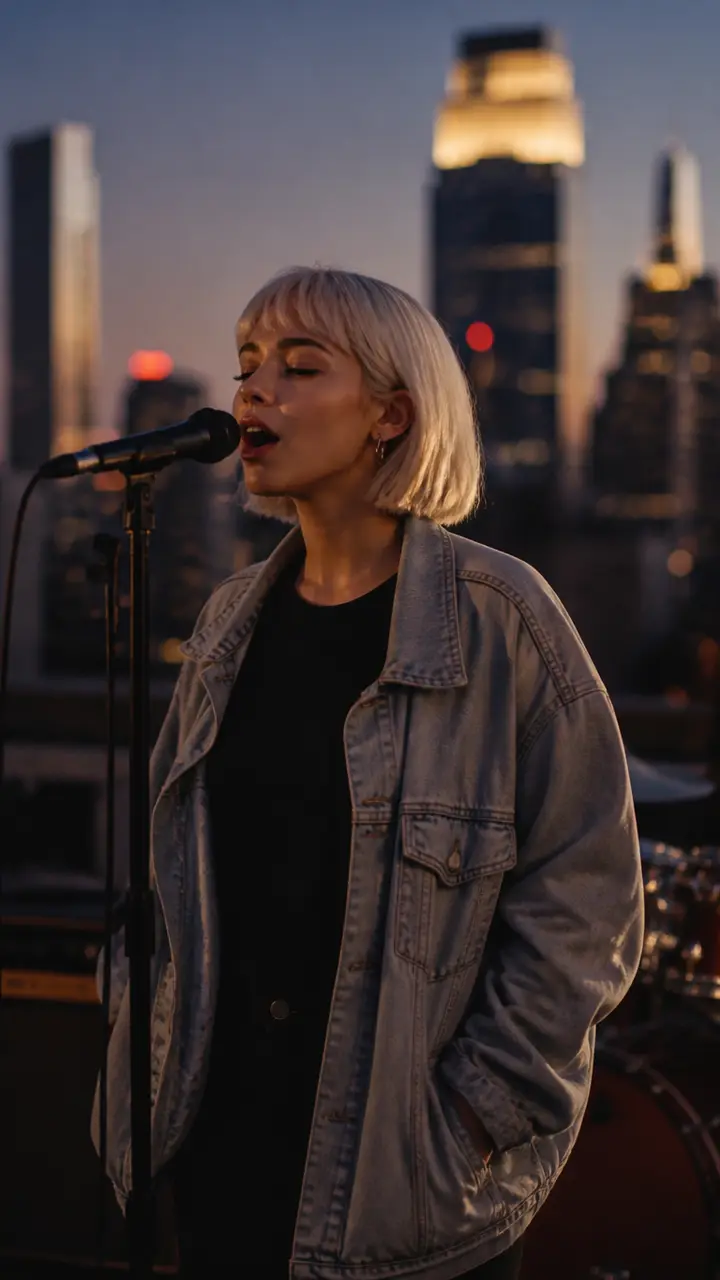
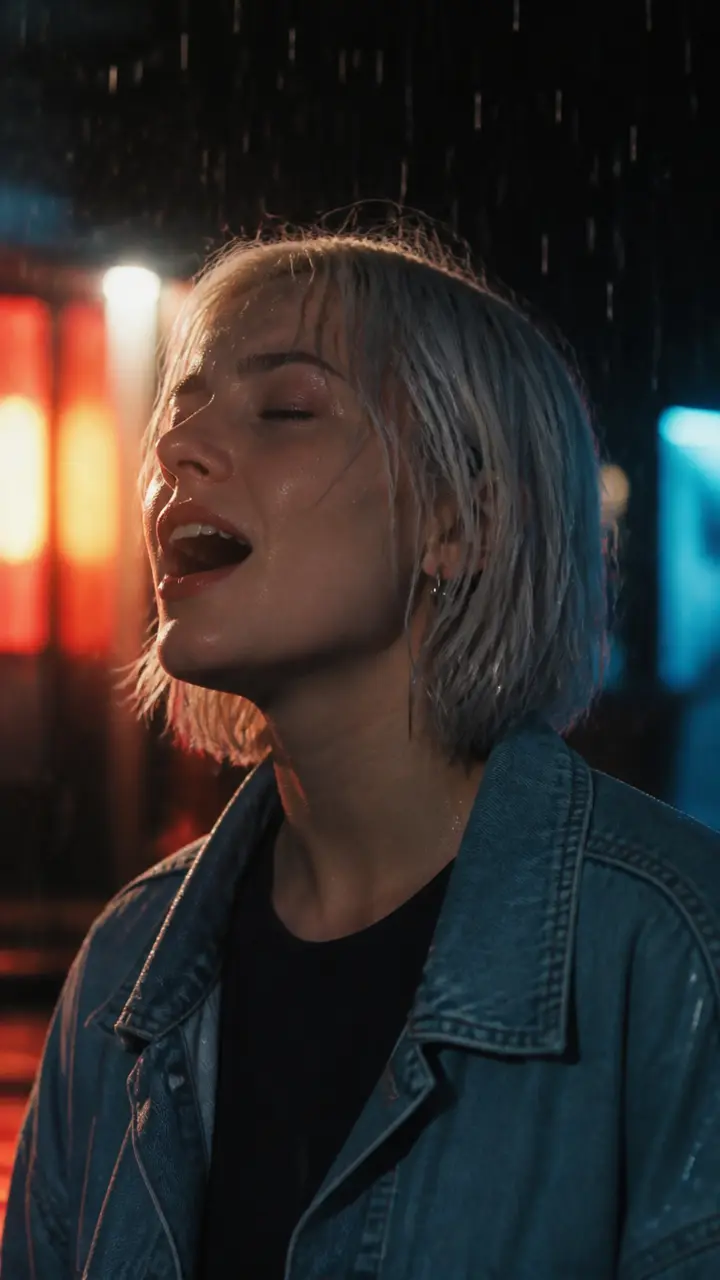
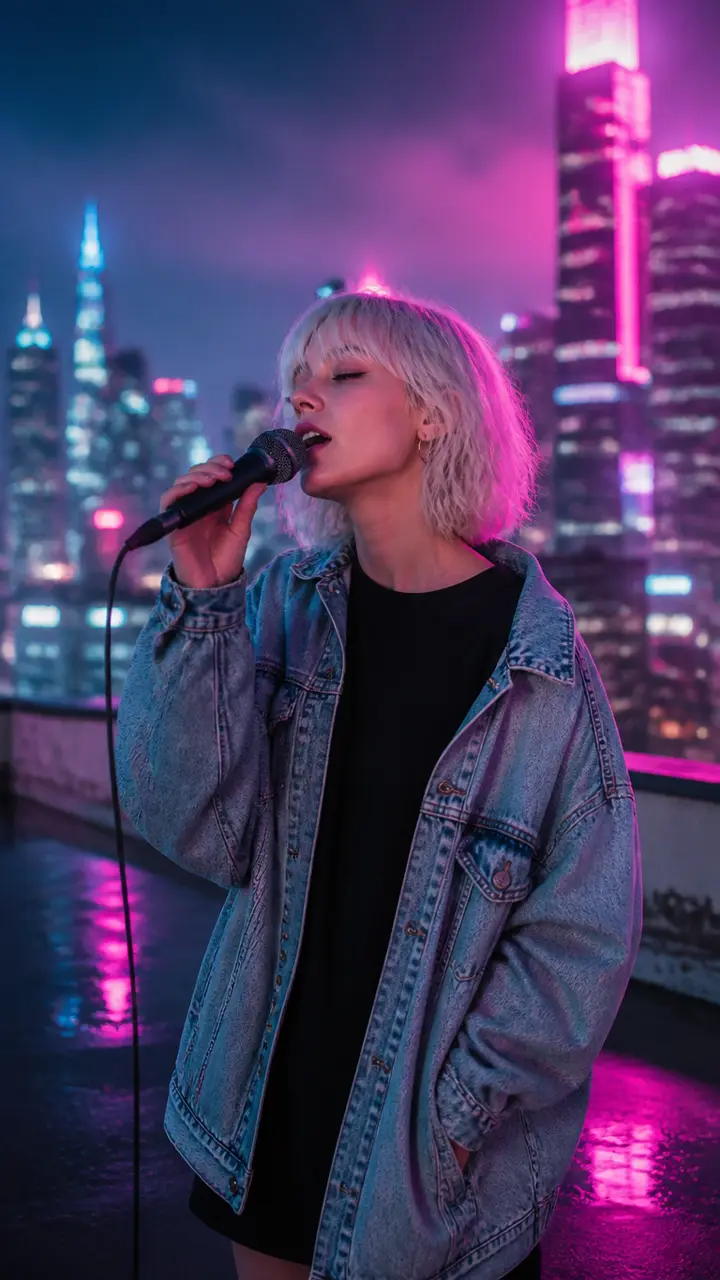
Let AI draw the shots in one look, with the same singer throughout, or add your own photos and clips. Either way, they change on the beat.



Say It Like You Mean It
Nova
Step 03
Download the loop
Make it, then pick Spotify Canvas in Export: an 8-second vertical MP4 with no sound, ready to upload in Spotify for Artists.
Why MV Maker
A Spotify Canvas generator that finds the chorus
MV Maker starts from your song, not a template and a trim bar: it finds the loudest chorus and cuts the loop there, on the beat.
2:26Cut from your loudest chorus
MV Maker maps the song into verses and choruses, picks the loudest chorus and takes eight seconds from where it begins. Every cut inside lands on a beat.
Loops without a jump
The last half second fades back into the first frame, so it repeats smoothly behind your track.
- Shape
- Vertical 9:16
- Size
- 1080 × 1920
- Length
- 8 seconds
- File
- MP4
- Sound
- None
- Lyrics and watermark
- None
Made to the Canvas size
Vertical 9:16 at 1080 × 1920, eight seconds, as an MP4, with no sound, no lyrics and no watermark.
Comes with your music video
Making the full music video? Spotify Canvas is one more export from the same project, with no extra credits.
More ways to make one
Other ways to make a music video



The make button shows the credits for your Canvas before anything is drawn. Already making the music video? Its Canvas is one more export.
See pricingQuestions
Spotify Canvas maker FAQ
A short, looping vertical video that plays behind a track in the Spotify app on phones, in place of the still cover art. Artists add one to each song in Spotify for Artists.
Spotify asks for a vertical 9:16 video, 3 to 8 seconds long and at least 720 pixels tall. MV Maker makes it 1080 × 1920 and 8 seconds long, as an MP4.
The loudest chorus. MV Maker maps the song into sections, finds the chorus with the most energy and takes eight seconds from where it begins.
Yes. The last half second fades back into the first frame, so the Canvas repeats without a visible jump.
Spotify plays your track under the Canvas, so the file carries no audio of its own, and it has no captions on it. The lyrics stay in your full music video.
Yes. Add photos and short videos in the studio and they are placed on the beat. Or let AI draw the shots in one look, with the same singer in every one.
Download the MP4, open the song in Spotify for Artists, choose Canvas and upload the file. You need access to the artist profile there.
Yes. A finished music video exports a Spotify Canvas as well, along with vertical, wide and square versions, with no extra credits.
The make button shows the exact credits before anything is drawn. Reading the song and finding the chorus happen first.
They are used to make your Canvas and stay in your account until you delete the project. They are never used to train models.
Add a song and get an 8-second Spotify Canvas cut from its chorus, ready for Spotify for Artists.
9:16 · 1080 × 1920 · 8-second loop · MP4