Lyric video maker for any song
Add a song and the lyrics are timed to the vocal, each word lighting up as it is sung. Pick a caption style, fix any line, and preview it with a watermark before you pay.Each word lights up as it is sung, nothing to type.


Lyric videos in every caption style
Karaoke, neon, ballad, highlight, typewriter. Big words that light up as they are sung, easy to read on a phone.
Every street knows your name
Say it like you mean it
Lights up, we never stop
Stay until the morning
Neon on the window
Walk alone
Where the river meets the sun
Round and round we go
Every note brings you home
Feel the drop come down
Every street knows your name
Say it like you mean it
Lights up, we never stop
Stay until the morning
Neon on the window
Walk alone
Where the river meets the sun
Round and round we go
Every note brings you home
Feel the drop come down
How it works
How to make a lyric video
No typing and no timeline. Our lyric video maker picks the words out of the singing.
tiktok.com/@nova.music/video/7412089Say It Like You Mean It
112 BPM · Chorus at 0:42 · 3:18
Lyrics found
Say it one more time
Step 01
Add your song
Paste a TikTok or MP3 link, or upload a song or a video. The lyrics are taken from the vocal and every word is timed to the voice.
Say it one more time
Step 02
Pick a caption style
Karaoke, neon, ballad, typewriter and more. The preview changes as you click, so you see each style on your own song before you choose.
Play it slow tonight
Step 03
Fix, preview, export
Correct a word or move a line, then watch it through with a watermark. Download the MP4, or post it straight to TikTok, YouTube, Instagram, Facebook or X.
Why MV Maker
A lyrics to video maker that times every word
A lyric video is only as good as its timing. MV Maker times every word from the vocal, so the words land as they are sung, not a beat late.
Every street knows your name
Timed to the voice, word by word
Each word gets its own start and end, taken from the vocal. Fast verses, held notes and pauses all land where the singer puts them.
Edit lyrics
Saved- 0:12.4Say it like you mean it
- 0:14.8Every street knows your game
- 0:17.3Hold me close← Earlier
- 0:19.6Feel the night
Fix a word, nudge a line
Misheard word? Type over it. Line a touch late? Move it earlier. Change as much as you like at no extra cost.
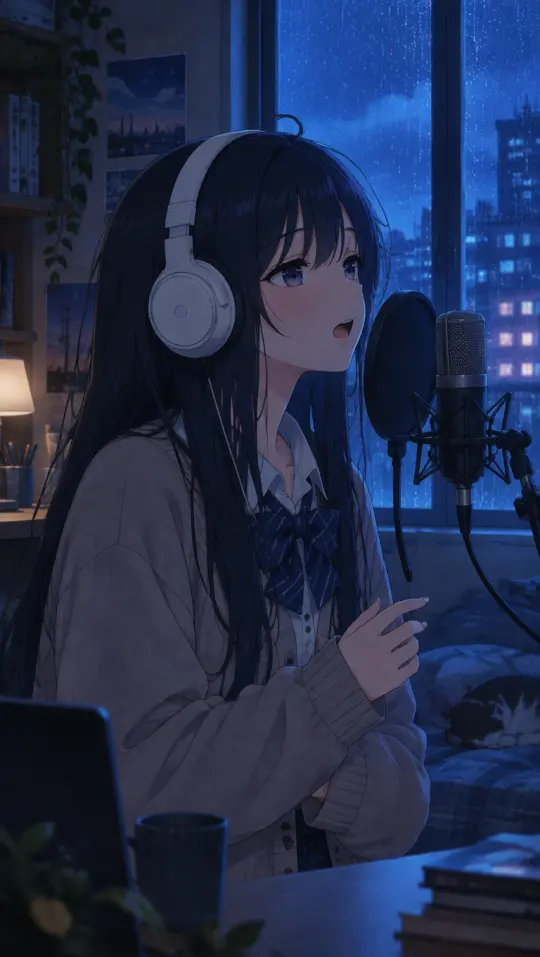
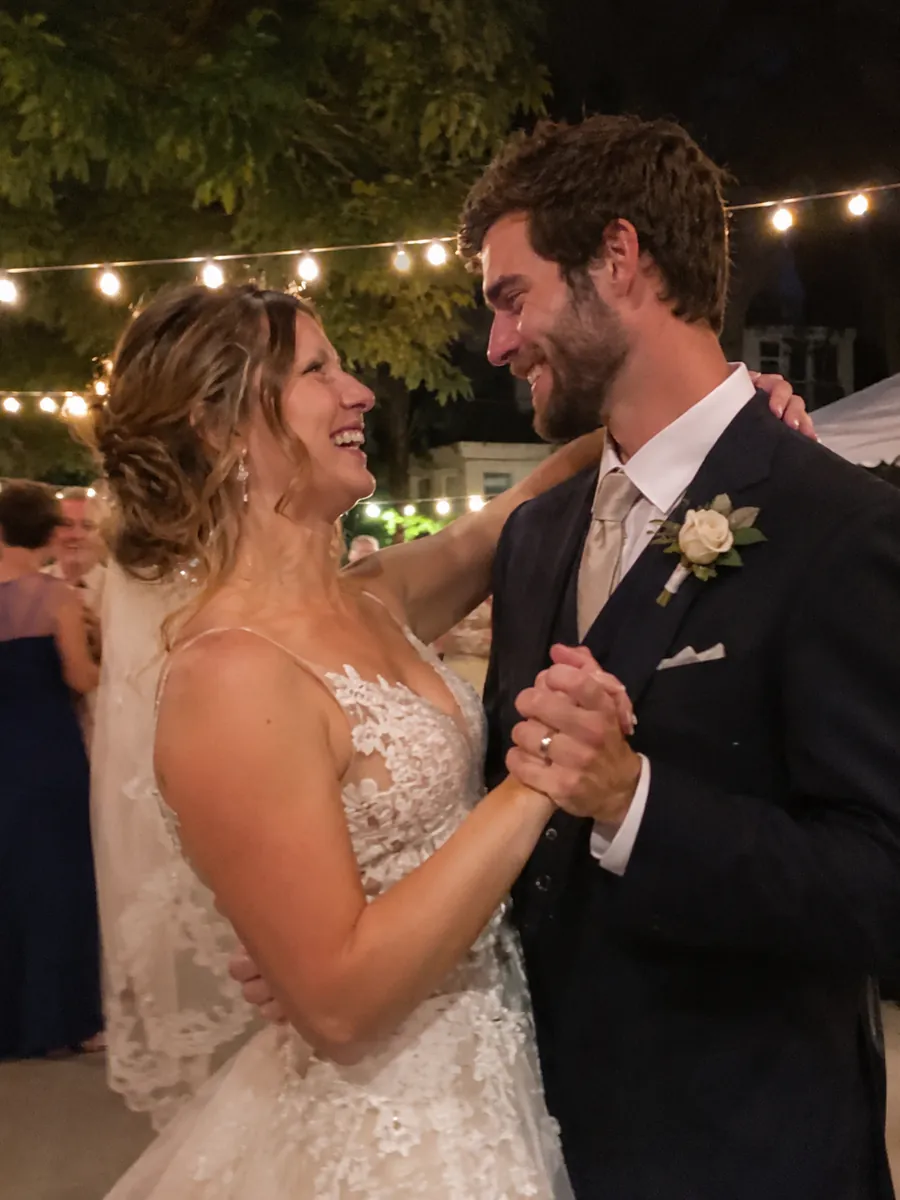
Play it slow tonight
On your cover, photos or clips
The words sit over your cover art, or over your own photos and short videos playing on the beat, dimmed so every word stays easy to read.
Every street knows your name
Every street knows your name
Every street knows your name
Big words on every screen
Vertical for TikTok, Reels and Shorts, wide for YouTube, square for the feed. The words resize to fit, all from one project.
More ways to make one
Other ways to make a music video
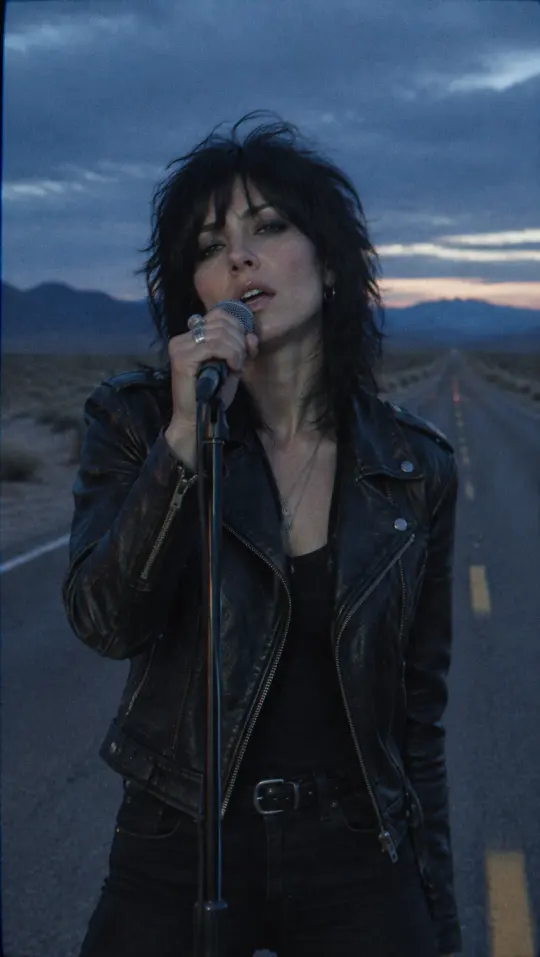



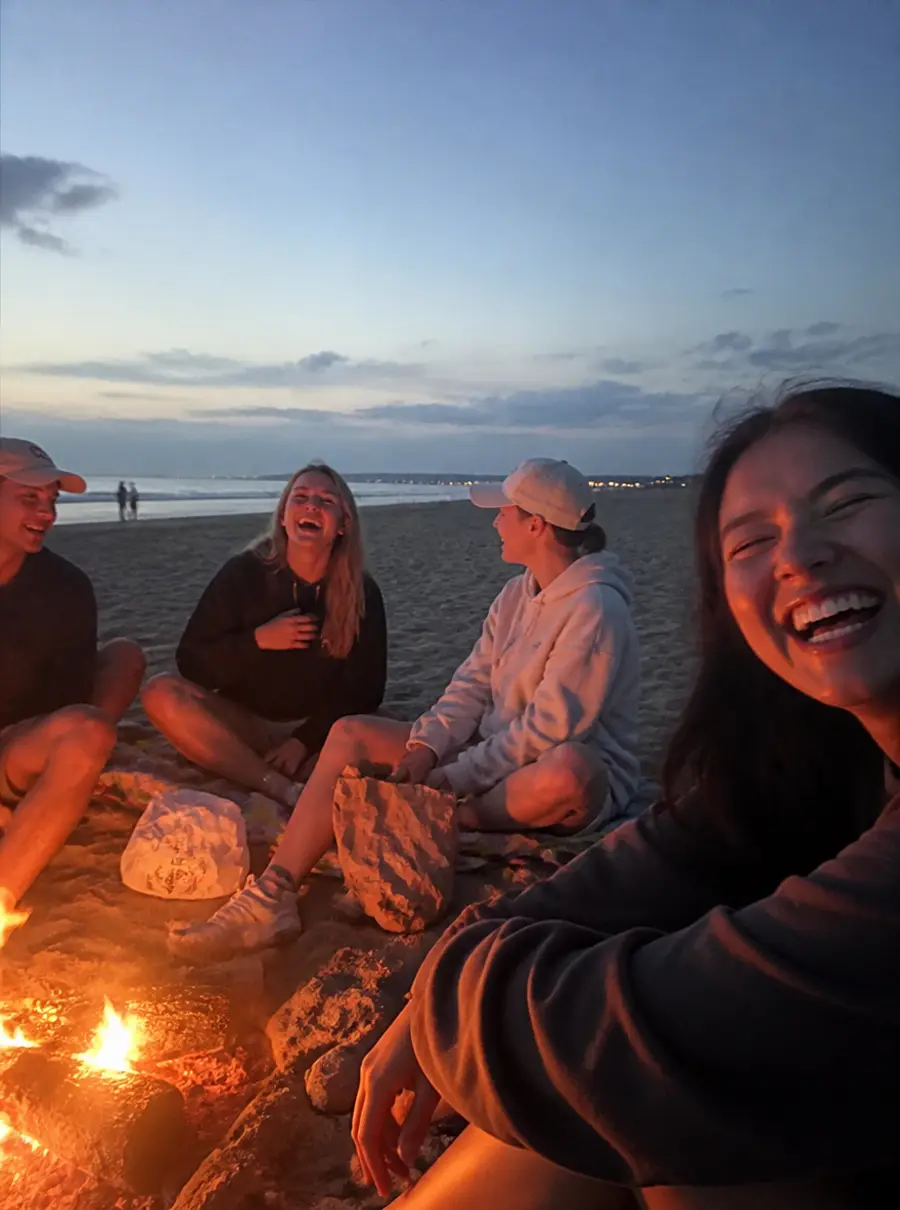
Watch your lyric video in full, with a watermark, before you pay. The make button shows the exact credits for your song.
See pricingQuestions
Lyric video maker FAQ
Add your song, pick a caption style, check the words, and download. MV Maker takes the lyrics from the vocal and times each word, so there is nothing to type.
No. The lyric video maker takes the words from the singing and times each one to the voice. You only fix the words it got wrong.
Type over the word, or move the line earlier or later. Fix as much as you like, as often as you like, at no extra cost.
Your own photos and clips if you add them, dimmed so the words stay easy to read. Without them, the song’s cover art or a plain colour sits behind the lyrics.
Karaoke, pop, neon, ballad, highlight, typewriter and more. Switch styles at any time; the timing stays the same.
Yes. Add your own photos and clips and they play behind the words, on the beat. For AI-drawn shots under the lyrics, switch to an AI music video; the lyrics keep their style and timing.
Yes. A lyric video plays in full, with a watermark, before you pay. You pay when you download it without the watermark.
Yes. Make it vertical for TikTok, Reels and Shorts, or wide for YouTube, then post it in one click or download the MP4.
Yes, as long as you have the right to use it. Upload the MP3, WAV or M4A, or paste a link to it.
MP3, WAV and M4A songs, or a video file: MV Maker takes the audio out of the video for you.
Add a song and get a lyric video timed to the voice, ready to post.