Photo to music video maker for slideshows with music
Add a song, then your photos and clips. MV Maker puts every picture on the beat, with the lyrics on top.Every photo and clip on the beat, with the lyrics on top.


Photo music videos for every moment
Weddings, trips, birthdays, graduations, the dog on the beach. Your pictures set to a song, cut on the beat.
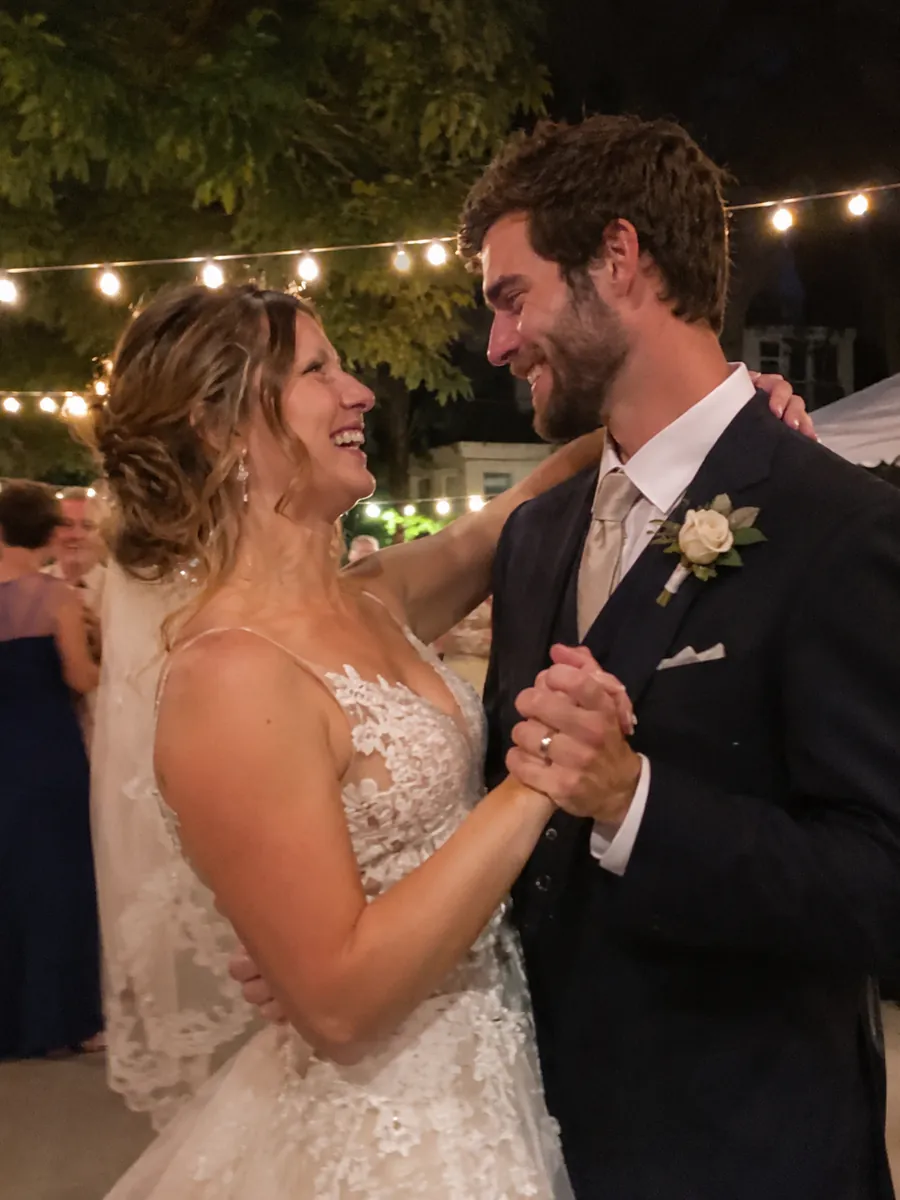
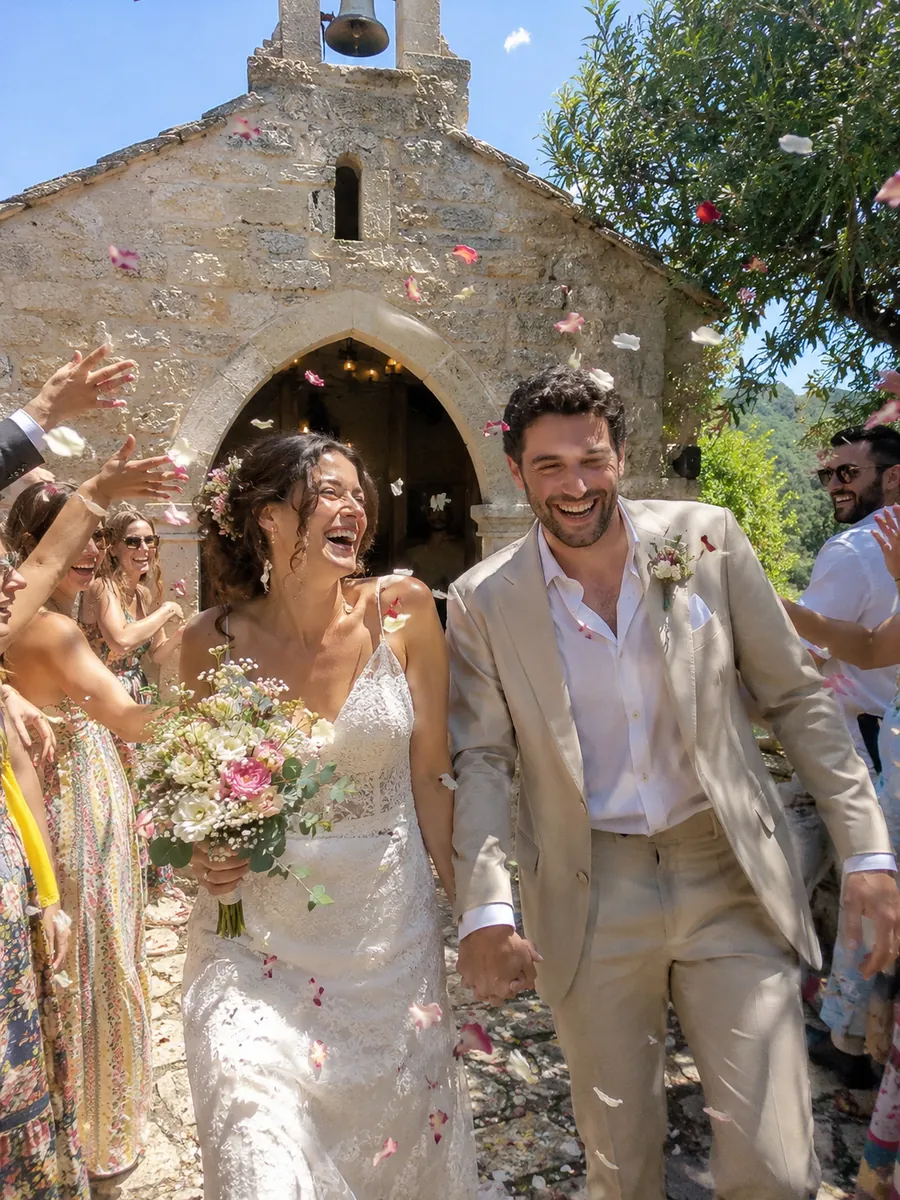
Like the first time
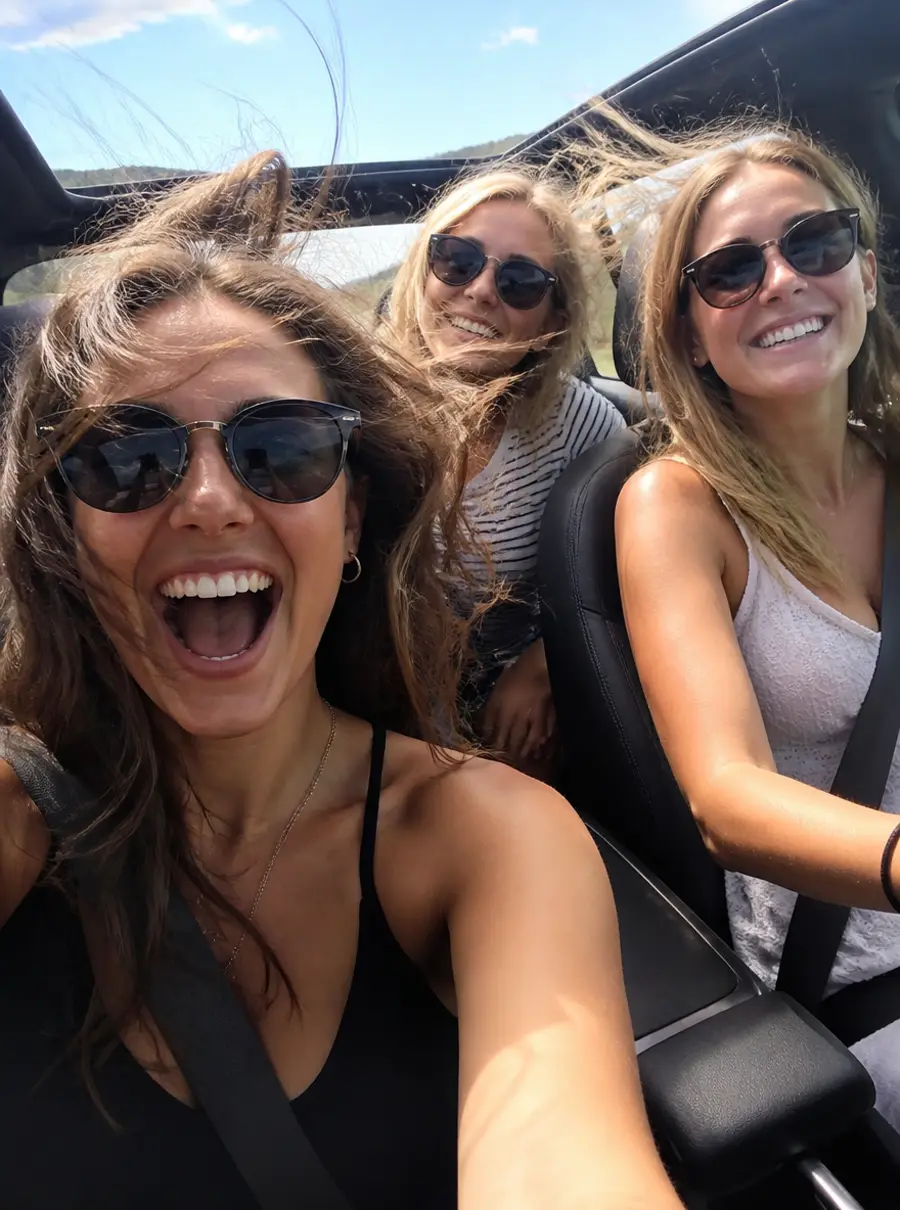
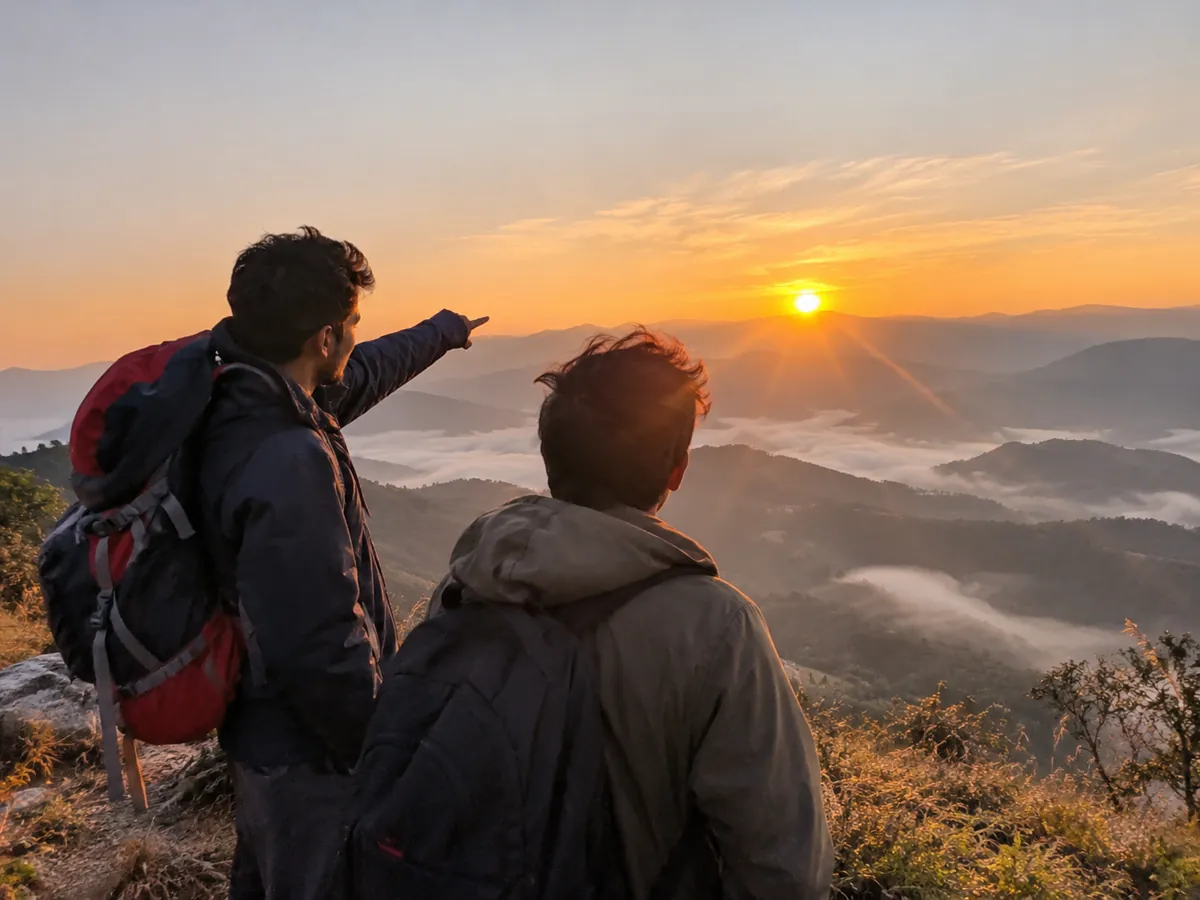
Windows down
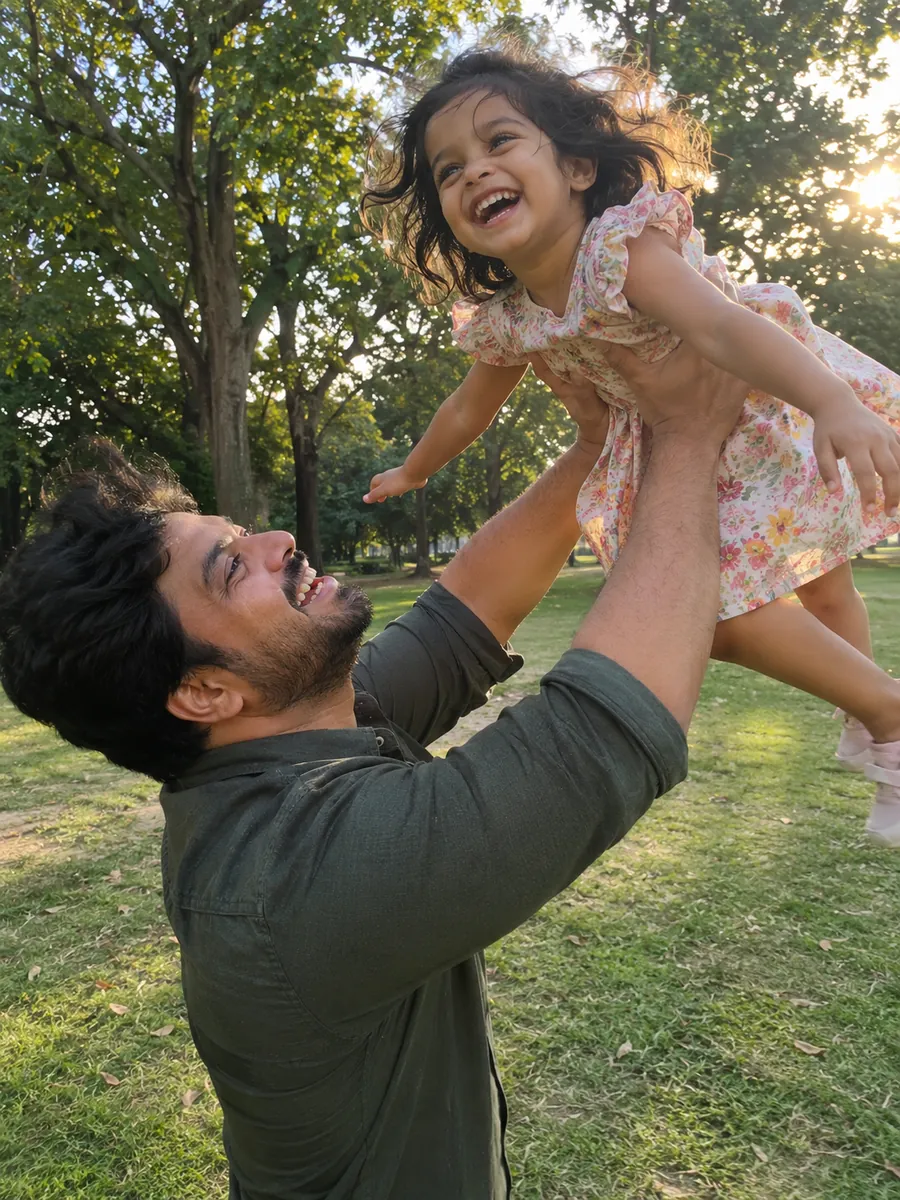
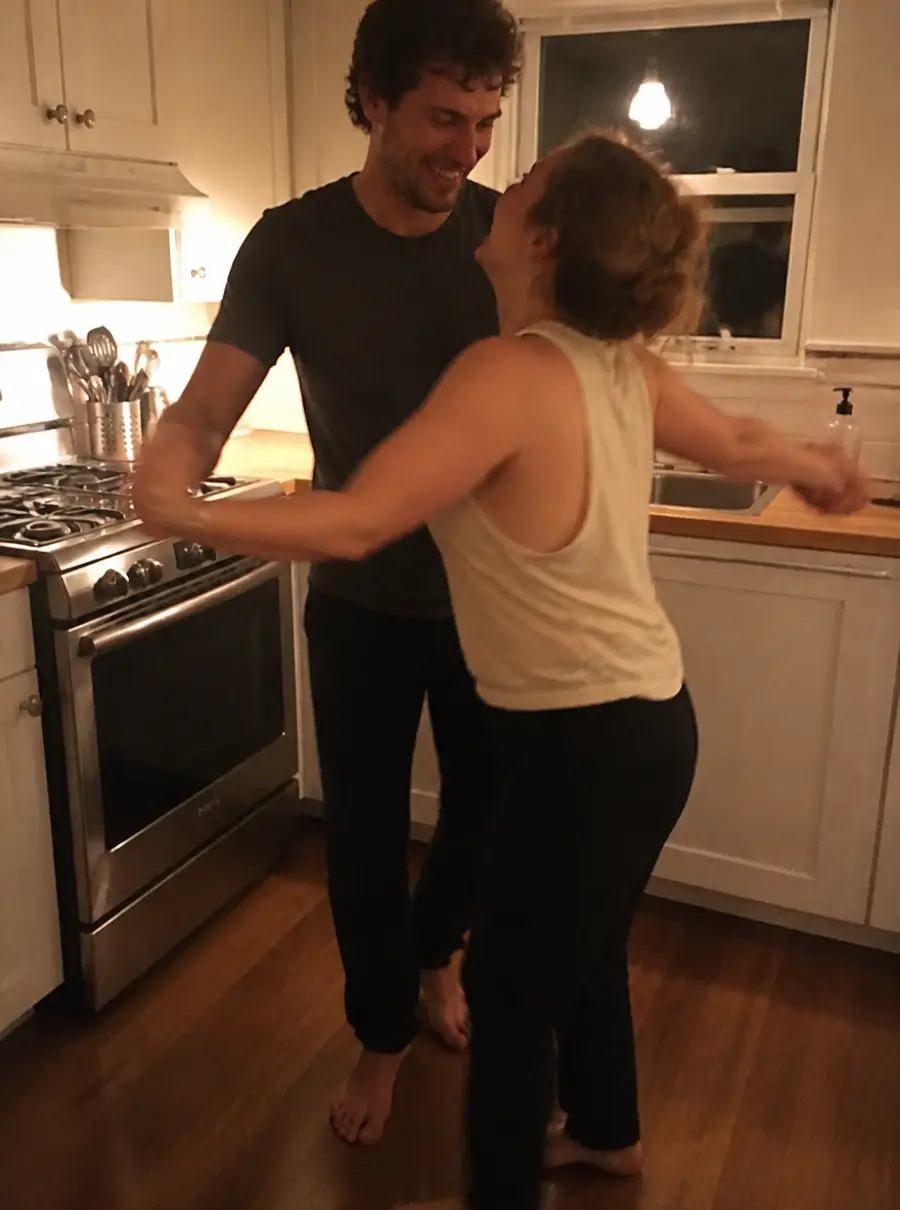
You and me
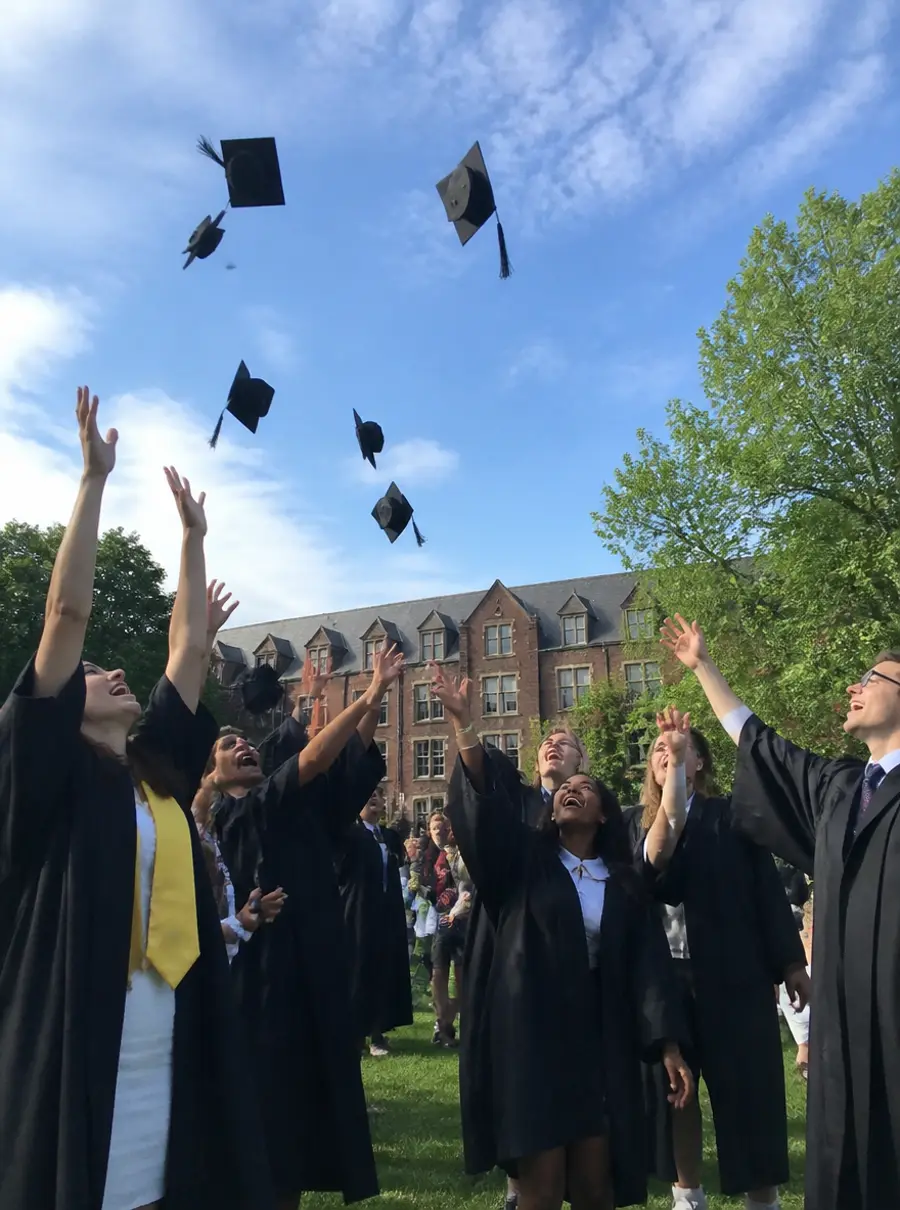
Throw your hat up high
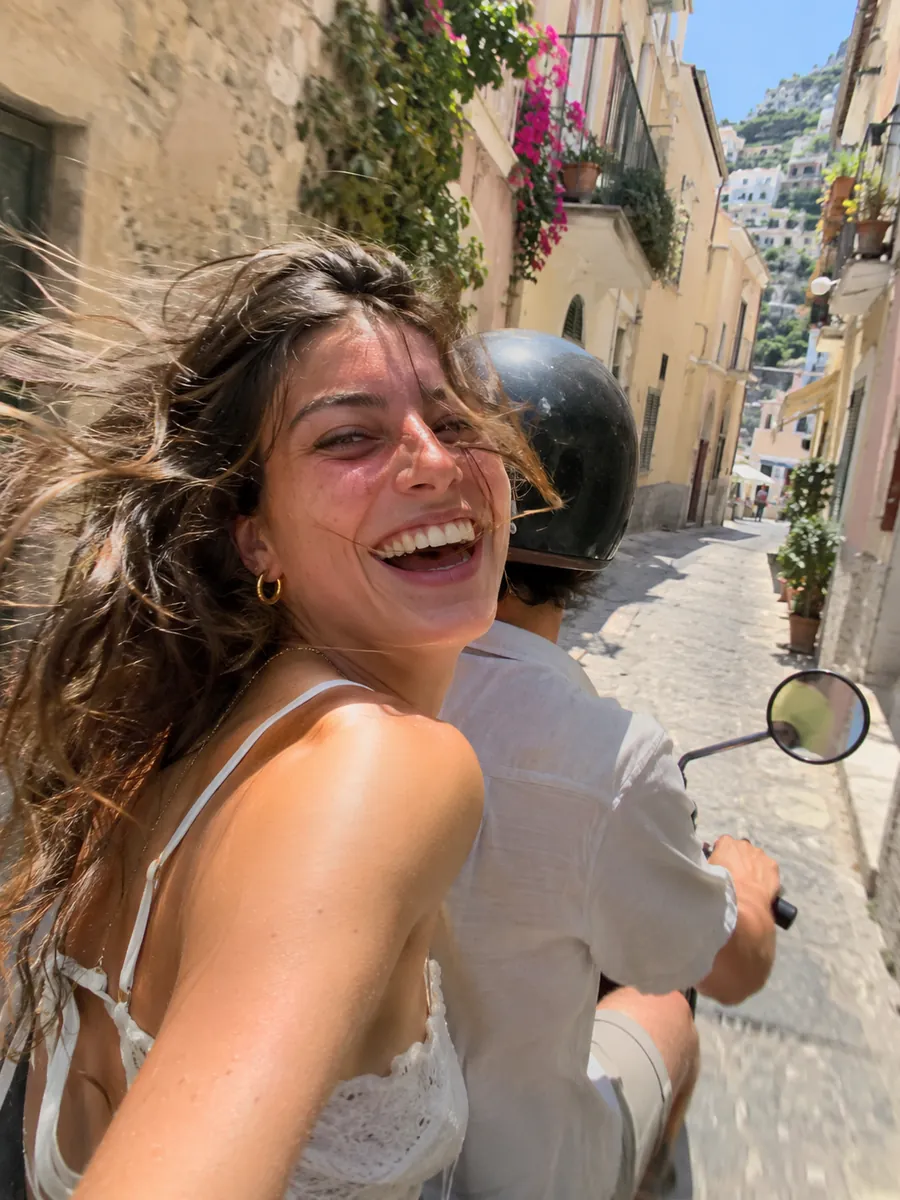
Nowhere we need to be
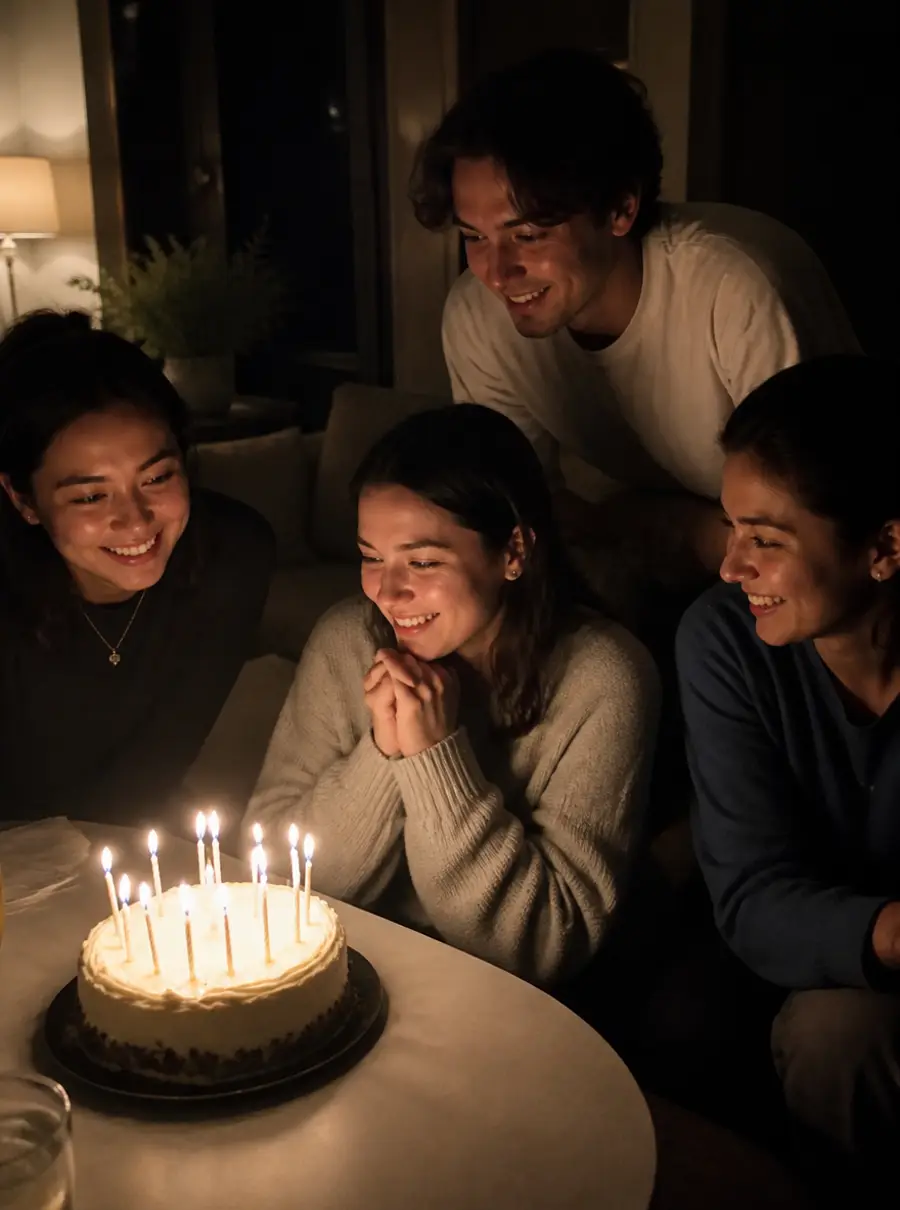
Blow the candles out

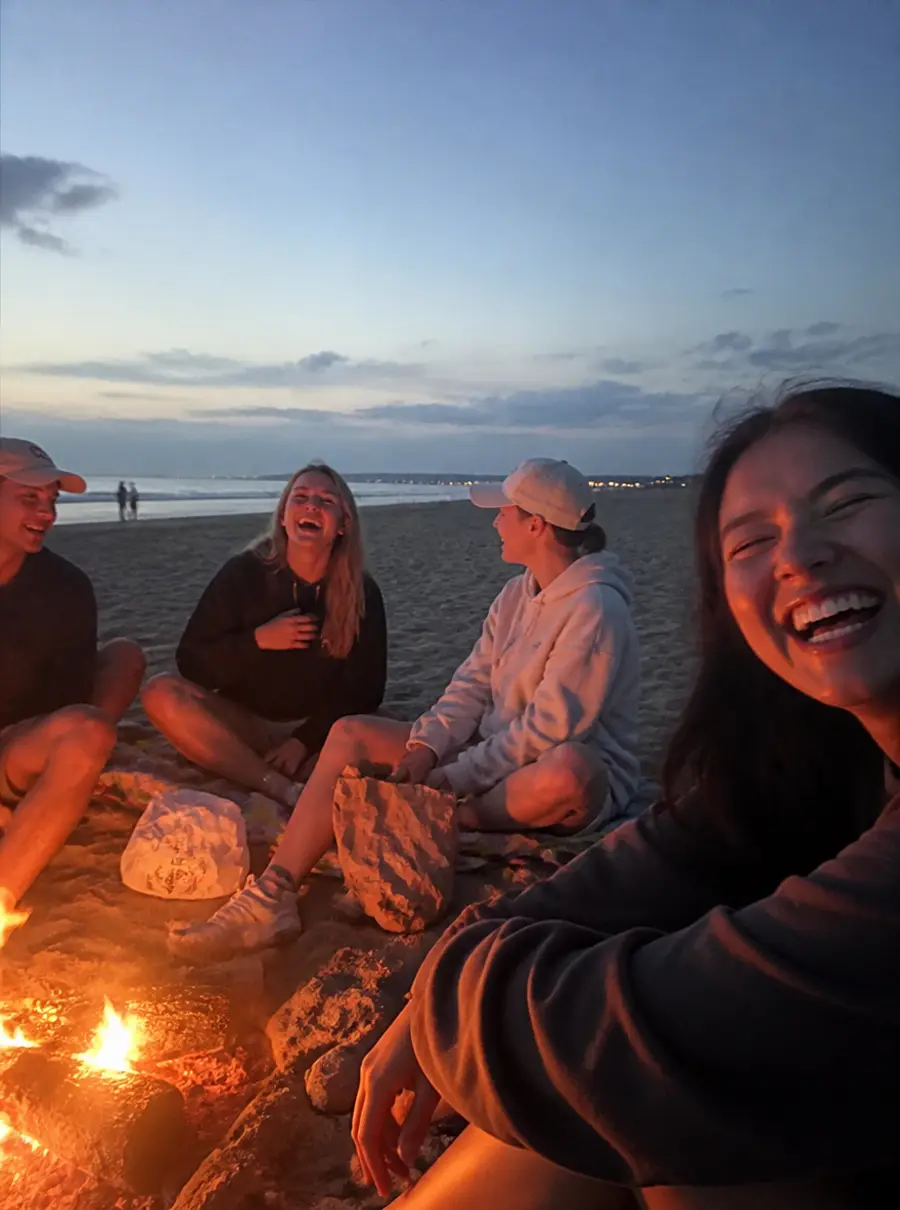
Run into the waves
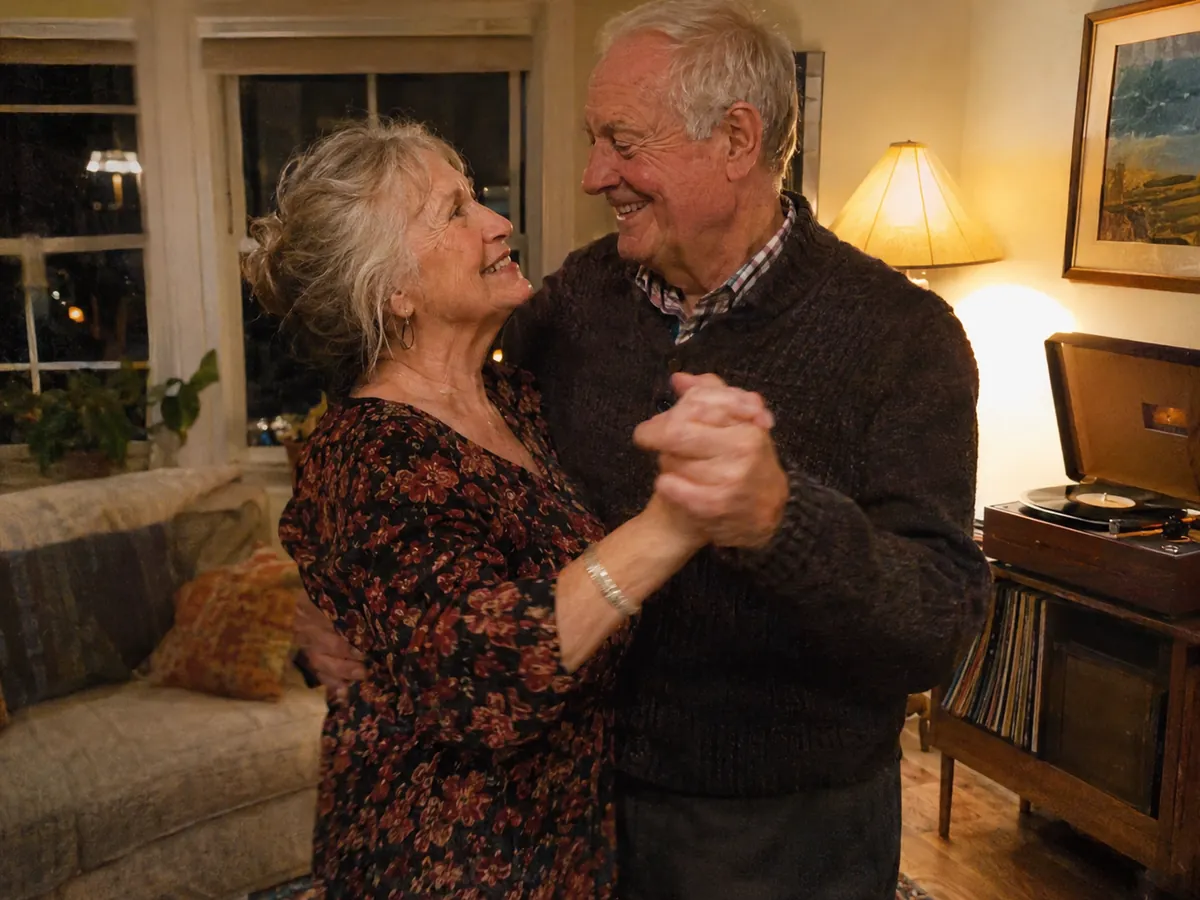
Still the one
Summer never ends
Slow dance in socks
Like the first time
Windows down
You and me
Throw your hat up high
Nowhere we need to be
Blow the candles out
Run into the waves
Still the one
Summer never ends
Slow dance in socks
How it works
How to turn photos into a music video
Three steps from photo to music video. No timeline, no dragging pictures to the beat by hand.
tiktok.com/@nova.music/video/7412089Say It Like You Mean It
112 BPM · Chorus at 0:42 · 3:18
Lyrics found
Say it one more time
Step 01
Add your song
Paste a TikTok or MP3 link, or upload a song. We find the tempo and the beats, and time the lyrics word by word.
Step 02
Add your photos and clips
Drop in photos and short videos from your phone, all at once, as many as you have.
Summer never ends
Step 03
Preview and post
Every picture lands on a beat with the lyrics on top. Preview it with a watermark before you pay, then download it or post it.
Why MV Maker
A photo slideshow with music, on the beat
MV Maker changes the picture on the beat, not every few seconds, so your pictures move with the song.
Every picture on the beat
Each photo or clip starts on a beat. Choruses change faster, quiet verses hold a picture longer, and every photo drifts slowly so nothing sits still.
Your photoA few photos are enough
When the song has more shots than pictures, each one comes back closer in or moving another way. A clip shows another part of itself. Three photos or thirty, every shot is one of yours.
Your photoSummer never ends
Photos and clips together
Mix still photos with short videos from your phone. Clips play, photos move, all on the same beat.
Made for the moments that matter
Weddings, trips, birthdays, anniversaries, a year of the kids growing up. Add the song that goes with it.
More ways to make one
Other ways to make a music video
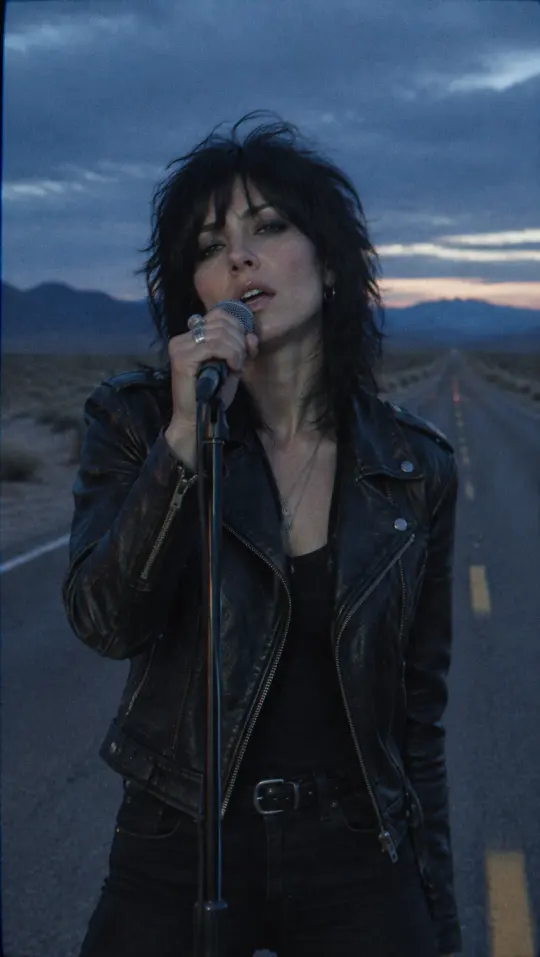
A video of your own photos and clips plays in full, with a watermark, before you pay.
See pricingQuestions
Photo to music video FAQ
Add a song, then the photos and videos you want in it. MV Maker puts each one on a beat, adds the lyrics, and you watch the whole video before you download it.
Add what you have; a few are enough. When the song has more shots than pictures, each one comes back closer in or moving another way, and a clip shows another part of itself. Every shot is still one of your own.
Yes. Mix photos with short videos from your phone. Clips play, photos move gently, all on the beat.
Yes. The lyrics are timed to the vocal and shown word by word over your pictures, in a caption style you pick. You can also turn them off.
Yes. Weddings, anniversaries, birthdays, graduations and memorials all work the same way: your pictures and the song that goes with them, on the beat.
Any song you have the right to use. Paste a TikTok or MP3 link, or upload MP3, WAV or M4A.
Yes. A photo to music video plays in full, with a watermark, before you pay. Once you pay, you download it without the watermark.
Vertical 9:16 for TikTok, Reels and Shorts, wide 16:9 for YouTube or a TV, and square 1:1 for the feed.
They are used to make your video and stay in your account until you delete the project. They are never used to train models.
Yes. Post it in one click to TikTok, YouTube, Instagram, Facebook or X, or download the MP4 and share it anywhere.
A song and the pictures that go with it, every one on the beat, ready to share.